Live TV, movies and series
One home for everything in your list, with posters for movies and series and a TV guide for live channels when your source provides one (XMLTV).
ZYO PLAYER · WHAT WE OFFER
ZYO is an independent media player for Android TV and Fire TV. It does not include channels, playlists or subscriptions: you bring your own authorised source.
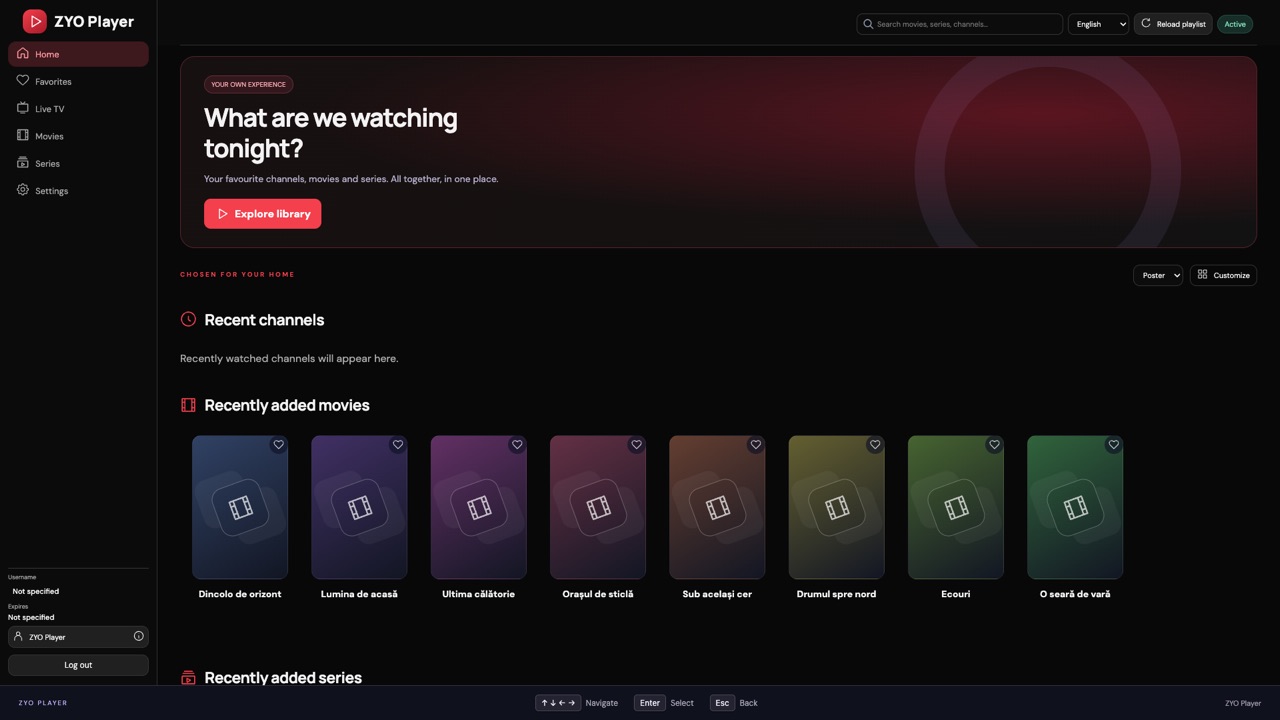
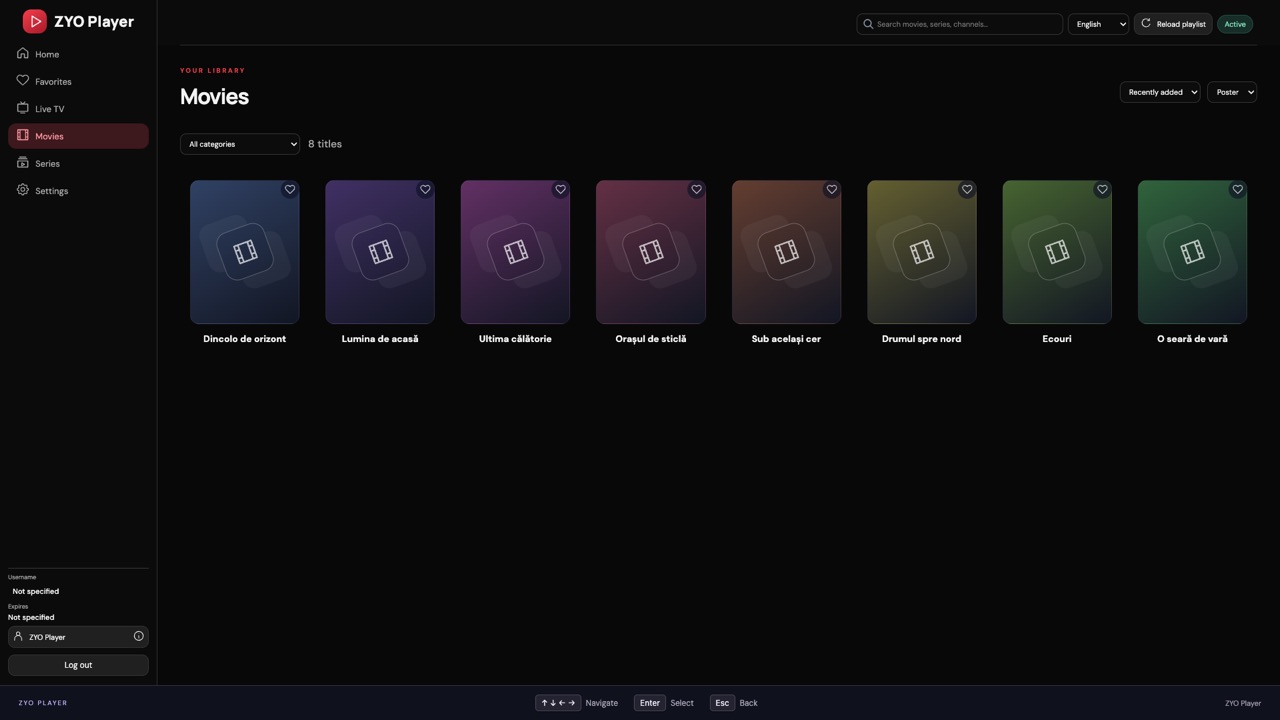
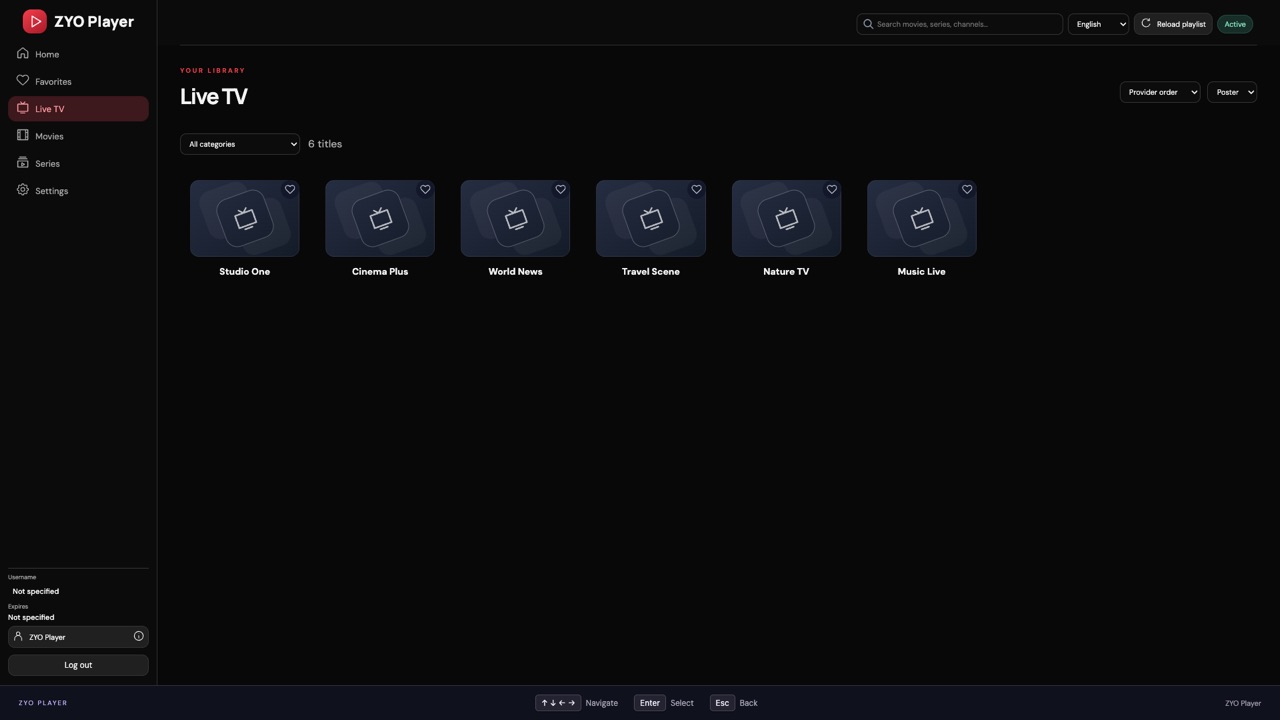
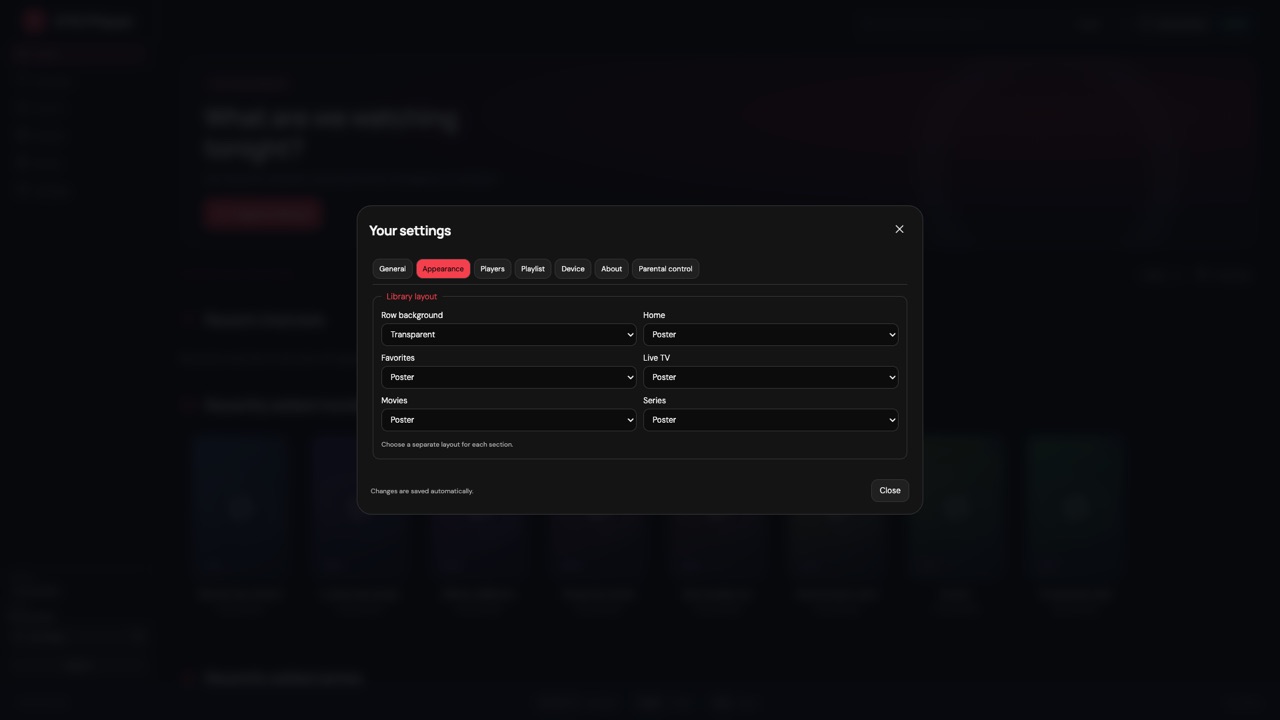
The titles and channels in these screenshots are fictional examples. ZYO does not include any content.
One home for everything in your list, with posters for movies and series and a TV guide for live channels when your source provides one (XMLTV).
Add an M3U link, an Xtream login or an .m3u file. Use your own list or one from a provider, and switch between lists on the same TV.
Continue watching, favourites, watched titles and likes. Optional sync keeps them the same on every TV using the same list.
Choose which rows appear on Home, their order, and poster or list view for each section.
Every screen works with the arrow keys and OK. No mouse, no keyboard, no MAC address to type.
ExoPlayer and VLC engines, chosen per live TV, movies and series, with automatic retry. Frame-rate matching switches the TV to 50 Hz for 25 fps content where the device allows it.
Preferred audio language and subtitles, aspect ratio and buffer settings. Support depends on your device and the source format.
Black / Red, Dark violet and Light, in the app and on this website.
Scan a QR code on your TV to open My app on your phone: see this TV’s lists, add, edit or delete your own list, and switch the TV to another list.
A PIN for protected categories, set on each TV. Hidden and protected content stays out of mixed rows by default.
The app checks for new versions and installs them with your confirmation. Your activation and settings are kept.
Sources are stored encrypted and hidden on screen. The Disclaimer lists the technical data the app sends.
This product uses the TMDB API but is not endorsed or certified by TMDB. Available features depend on your device, your source and its formats.
ZYO is only a player. Only use sources you are legally entitled to access. Read the Disclaimer →